CLI
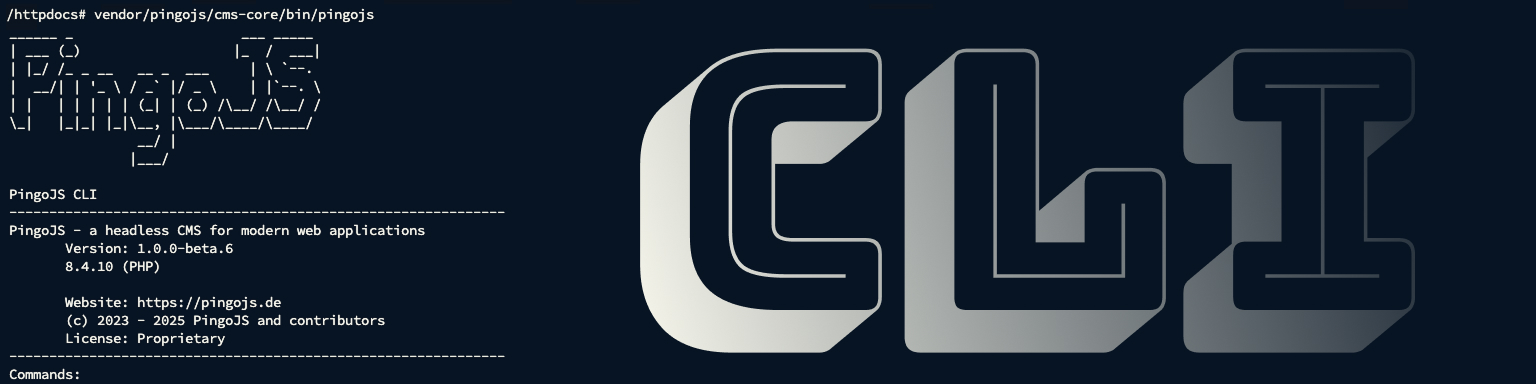
PingoJS cli path:
vendor/pingojs/cms-core/bin/pingojs
To make the file executable, run:
chmod +x vendor/pingojs/cms-core/bin/pingojs
The first step
The first step is to define the environment. You need to specify both PHP (cli php path) and the environment. This can be done using the following command:
pingojs env:set <php> <environment>
<environment>:
LOCALSERVER
Commands
Database
Create database structure:
pingojs db:build
Backup database:
pingojs db:bak
Restore database from backup:
pingojs db:restore
Cache
Clear Cache:
pingojs cache
Backend
User
List all backend users (id, name, uuid):
pingojs backend:users
Reset the password for one backend user:
pingojs backend:user:setpassword <uuid> <new_password>
Create a backend user:
pingojs backend:user:create <name> <password> <user_type>
# returen the uuid in the table
<user_type>
- admin
- user
Lock
Lock the TYPO3 Backend
pingojs backend:lock
Unlock the TYPO3 Backend
pingojs backend:unlock
Permissions
Sets the correct permissions for backend files:
pingojs backend:fixfilepermissions
Addon
Shows the list of Addons available to the system
pingojs addons:list